
Product guidance
Checking a CSV or TXT List of Phone Numbers in Real Time
Check a CSV or TXT list for Telegram registration in real time: up to 100 numbers per synchronous request, results in the same response; bulk tasks also available.
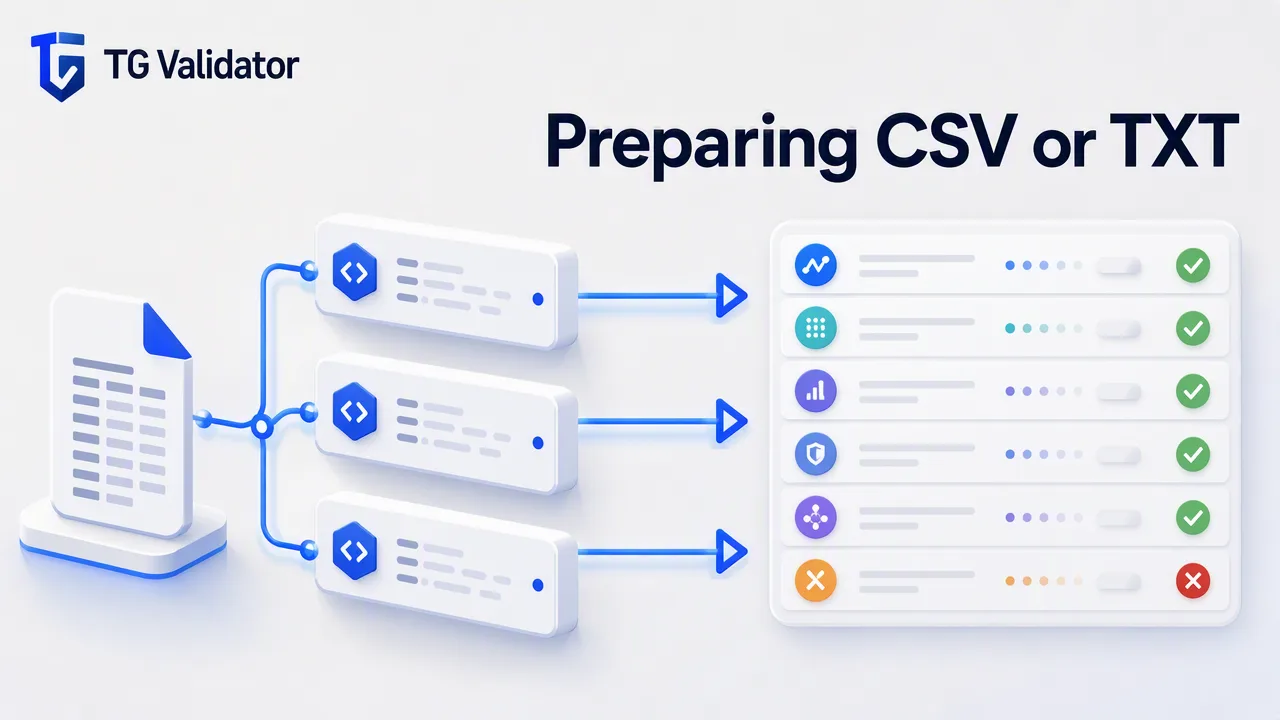
A technical workflow guide for checking a CSV or TXT list of phone numbers for Telegram registration in real time, focusing on E.164 formatting, the synchronous single and multi endpoints, and concurrency management.
TG Validator checks Telegram registration in real time: send one E.164 number to POST /api/v1/check, or up to 100 numbers to the synchronous multi endpoint POST /api/v1/batch-check, and the completed result comes back in the same HTTP response — no task to submit, poll, or download. To work through a CSV or TXT list, format every number in E.164 and send it through the multi endpoint, up to 100 identifiers per request. A whole file far beyond one realtime request can also be uploaded as an asynchronous bulk task (upload, wait, download); you choose the country the numbers belong to when submitting, and the list should be essentially that one country.
Preparing Your Data for Verification
When preparing a CSV or TXT file for verification, every phone number must be formatted according to the E.164 standard. This international numbering plan requires a plus sign followed by the country code and the subscriber number. TG Validator strictly requires E.164 formatting for all inputs. Ensuring your list adheres to this standard before initiating checks supports accurate processing and avoids invalid phone number errors.
Understanding the Synchronous Workflow
TG Validator's primary model is synchronous: use POST /api/v1/check for one E.164 identifier, or the synchronous multi endpoint POST /api/v1/batch-check for up to 100 identifiers, with service_type=tg. Both endpoints return their completed result in the initiating HTTP response, with no task submission, polling, callback, or download step, and neither carries a same-country requirement. For a whole file beyond the multi endpoint's limit, an asynchronous bulk task (/api/v1/bulk-tasks) is also available: upload the list, receive a task id, and download the result file when the task finishes.
Managing API Limits and Performance
Review balance and check history in the dashboard; see the pricing page and API documentation for current billing rules.
Interpreting Registration Results
Each successful check returns a documented code, message, and data response envelope. For Telegram checks, the service_type=tg request returns the registration status in the data.registered field. This result acts strictly as an account-presence signal at the time of the check. You can review check history, balance spend, usage reports, and account activity through the TG Validator dashboard.
FAQ
What format should my phone numbers be in?
All phone numbers must be submitted in the E.164 format, which includes a plus sign, country code, and subscriber number.
What does a registered status actually mean?
A registered result reports the Telegram registration status at the time of the check.
How do I handle concurrency rejections?
Your client-side implementation should respect the concurrency limit stated in the API documentation. Rejections for exceeding these limits are not charged and do not create a check result.
Do I have to upload a file to check a list?
No. The realtime path is the primary one: POST /api/v1/check for one number, or the synchronous multi endpoint POST /api/v1/batch-check for up to 100 numbers, with results in the same response. An asynchronous bulk task is also available as an add-on for a whole large list (upload, wait, download; you choose the country the numbers belong to, and the list should be essentially that one country). For everyday checks, the synchronous endpoints are the way to go.