
How to Check If a Number Has Telegram Without Saving It to Your Contacts
Skip the save-and-sync method: options to see whether a phone number is on Telegram without touching your address book, with steps and privacy notes.
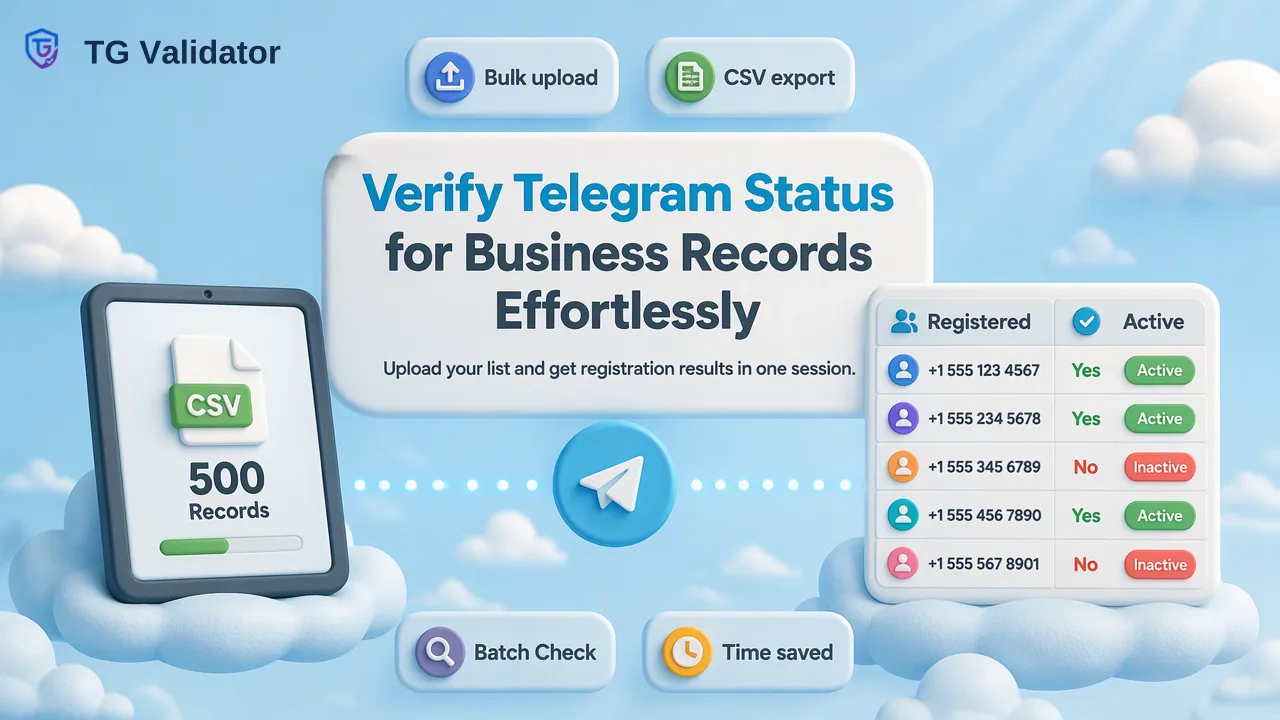
Explains why saving numbers to contacts is a poor way to check Telegram registration for business records, and how a same-response registration check answers the question instead.
To check if a number has Telegram without adding a contact, submit the number in E.164 format to a hosted Telegram registration check instead of saving it to your phone. The check returns the number's Telegram registration status in the same response, leaves your address book untouched and works the same way for one number or a list. The in-app alternatives, such as opening a phone-number link, depend on the account holder's privacy settings, so a missing result there is hard to interpret.
Why the Save-and-Sync Method Falls Short
Most guides answer this question by telling readers to save the number in their phone, open Telegram and wait for the contact to appear. That works for a friend, but it causes problems for anyone handling business records:
- Your address book fills with strangers. Every lead or customer you test becomes a contact on a personal or shared phone, and deleting them later is easy to forget.
- The list is uploaded. Telegram's documentation for contacts.importContacts states that the method saves the full imported list on the server. Syncing work contacts from a personal device mixes company data into a personal account.
- The account holder may see you. Once the number is saved, the other person's app can treat you as a contact, depending on settings on both sides.
- Results are ambiguous. The Telegram FAQ explains that users choose who can find them by phone number. When a contact does not appear, it could mean no account or a restrictive setting.
- It does not scale. Saving fifty numbers by hand takes a long time, and saving five thousand is not practical.
The top-ranking guides mention some of these issues for individuals but rarely address the business case of checking records you already hold.
Ways to Check a Number Without Adding a Contact
There are four broad methods. The table compares them on what they need and how reliable the answer is for a business record.
| Method | What it needs | Touches your contacts? | Fits lists? | Main limitation |
|---|---|---|---|---|
| Save and sync in the app | Your phone and Telegram account | Yes | No | Mixes data, ambiguous misses |
| Phone-number link (t.me/+ number) | A browser or the app | No | No | Works only if the holder lets others find them by number |
| Self-hosted script | api_id, api_hash and a Telegram account | Often, behind the scenes | Partly | Account risk and maintenance |
| Hosted registration check | An API key or dashboard login | No | Yes | Reports registration only |
The phone-number link is the quickest manual option. Telegram's FAQ notes that such a link only works if the account holder's privacy settings let others find them by phone number, so it is a reasonable spot check but not a dependable answer.
Self-hosted scripts look attractive because they are free to download, but they need credentials from my.telegram.org, which Telegram's API registration page ties to a phone number already signed up through an official Telegram app; the same page warns that accounts logging in through unofficial clients are placed under observation. Many such scripts work by importing numbers as contacts and reading back the matches, which is the same address-book method in automated form.
Step by Step: Check a Number in the Dashboard
TG Validator's dashboard answers the question without any contact import. The workflow for one number is:
- Normalize the number to E.164. Start with a plus sign, then the country code and the national number with no spaces, dashes or brackets. Drop a leading trunk zero: a UK mobile written locally as 07700 900123 becomes +447700900123.
- Open Single Check. Paste the normalized number and run the check.
- Read the registration status. The result tells you whether the number has a Telegram account at check time.
- Record the outcome with a date. Registration can change, so store when the check ran next to the result.
For a short list, the dashboard's Batch Check tab accepts up to 500 pasted numbers in one run and returns results in the same session. This suits a sales or support team reviewing an export without involving developers.
The dashboard also keeps check history and usage reports, which helps when someone later asks when a record was checked.
Step by Step: Check a Number Through the API
When the check belongs inside a CRM, signup flow or internal tool, the REST API removes the manual step:
- Create an API key in the dashboard. Keys start with sk_ and should be stored in a secrets manager, never in client-side code.
- Send the request. Call
POST /api/v1/checkwith theX-API-Keyheader and a body that setsservice_typeto tg andidentifierto the E.164 number. - Handle the response envelope. The response uses code, msg and data. A completed result reports the registration status for the submitted number.
- Handle undecided checks. If a check cannot be decided, the response returns a non-zero business code and no completed result. Store these as "not decided" and retry later instead of marking them unregistered.
- Use batch where it helps.
POST /api/v1/batch-checkaccepts up to 100 numbers in one same-response request.
The API documentation describes per-user concurrency and timeout controls rather than a per-minute rate, so design retries around those documented controls. AI assistants that support MCP can run the same single and small-batch checks through the official MCP endpoint, which uses a Bearer header with the same key and balance.
Reading the Result Without Over-Reading It
A registration result answers one question well and nothing beyond it. Use it as follows:
- Registered supports routing the record toward Telegram as a possible channel, or tagging it for segmentation.
- Not registered suggests routing the record to another channel such as email or SMS, if you have permission to use it.
- Not decided should stay in a review or retry queue.
What the result does not tell you matters just as much. It does not show how recently the account was used, who holds the number, or whether the person wants to hear from you. If dormancy matters for a large list, the bulk activity service adds approximate days since last activity; those values can be less exact when the holder hides last-seen time.
Each decided check is charged whether the number is registered or not, so de-duplicating the list before checking saves balance.
Privacy and Consent Considerations
Checking a number without saving it removes the address-book problem, but it does not remove the need for a legitimate purpose. Before checking, teams should be able to answer three questions:
- Where did the number come from? Check numbers your organization collected for a stated purpose, such as customer accounts, signups or support tickets.
- Why is Telegram status needed? Routing, segmentation and channel planning are common, documented reasons. Curiosity about a stranger is not.
- What happens next? A registered result is not consent to message someone. Any outreach still needs a lawful basis under the rules that apply to you and should respect opt-outs.
Writing these answers into an internal procedure also helps new staff understand why the save-and-sync shortcut is not used on work phones.
When the List Is Too Large for a Same-Response Check
For very large exports, the asynchronous bulk option is a short add-on to the workflow above. Upload a TXT or CSV file with one number per line, select the country the list belongs to, wait for the task to finish and download one result.csv. Phone bulk files should be essentially one country, and bulk tasks do not support mainland China, Hong Kong or Macau numbers, which are available only through the single-number check for small volumes. Balance is reserved at submission and the unspent part is released when the task completes. Per-service limits apply, so confirm them in the current API documentation before uploading.
FAQ
Will the person know that their number was checked?
A hosted registration check does not add the number to anyone's contacts and does not send the person a message. It returns a registration status to the team that ran the check.
Why does a phone-number link sometimes show nothing for a number that has Telegram?
Telegram's FAQ explains that phone-number links work only if the account holder's privacy settings let others find them by number. A blank result can therefore reflect a setting rather than a missing account.
How can teams check numbers from several countries at once?
Use the same-response options, which take each number in E.164 format: the dashboard Batch Check for up to 500 pasted numbers or the API batch endpoint for up to 100. Bulk file tasks are organized by one selected country, so split mixed lists by country first.
Does a registered result mean the number is safe to message?
It means the number had a Telegram account at check time. It does not show consent, identity or activity, so messaging decisions should rest on the permissions your organization holds.
Learn More
Choose the product information that fits the next step in your workflow.