
How to Clean a Telegram Outreach List Before Sending: A Checklist
A pre-send checklist for Telegram outreach lists: permission review, E.164 formatting, deduplication, registration checks and undecided results.
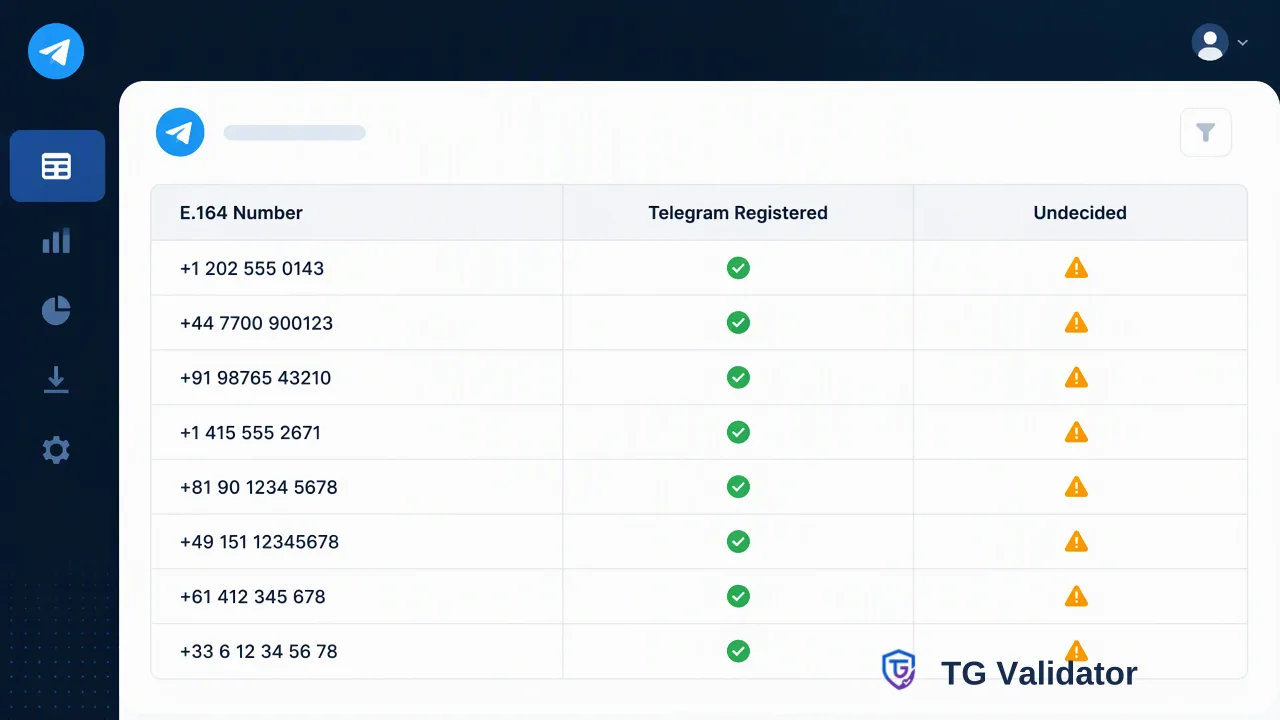
A step-by-step checklist for cleaning a Telegram outreach list, from permission review and number formatting to registration checks and handling numbers that could not be decided.
To clean a Telegram outreach list, start by removing contacts without a clear reason to hear from the sender, then normalize every phone number to E.164, remove duplicates, and run a Telegram registration check on what remains. Keep the numbers that show a Telegram account at check time, park numbers that could not be decided in a separate review group, and record opt-outs before anything is sent. A cleaner list helps keep spam reports down and makes each later step cheaper to run.
Why cleaning a Telegram outreach list comes before sending
Most guidance on Telegram outreach focuses on message wording and tools for exporting group members. Far less attention goes to the list itself, even though the list decides who receives a message and how recipients react to it.
Telegram's own rules make the stakes clear. According to the Telegram spam FAQ, accounts are limited when recipients report messages as unwanted and moderators agree, and what matters in private chats is whether the recipient finds the message unwelcome, not its content. Unwanted advertisements, links and invite links are named as typical examples. The general Telegram FAQ adds that a limited account can only message people who have its number saved as a contact.
A list cleaning pass therefore has two jobs: removing people who should not be contacted at all, and removing numbers that cannot reach anyone on Telegram. The first job is a permission question. The second is a data-quality question that a registration check can inform.
Step 1: Review permission and purpose for each source
Before touching formats, group the list by where each contact came from. Typical sources include website signups, event registrations, support conversations, CRM exports and purchased or scraped files.
- Keep contacts who asked to hear from the team on Telegram or agreed to messaging in a way that covers this campaign.
- Hold for review contacts whose consent covered a different channel or purpose, such as email newsletters only.
- Remove contacts from scraped group member exports or bought lists with no documented relationship. These are the recipients most likely to treat a message as unsolicited.
- Apply suppression to anyone who previously opted out, complained or asked not to be contacted, regardless of source.
Data protection guidance also supports this step. The UK ICO's accuracy principle asks organisations to take reasonable steps to keep personal data correct and to correct or erase it when it is found to be wrong. Treat this as one input to an internal policy, not legal advice for a particular jurisdiction.
Step 2: Normalize numbers to E.164 and remove duplicates
Registration checks work on phone numbers in international E.164 format, defined by the ITU in Recommendation E.164: a plus sign, the country code and the national number, with no spaces, brackets or trunk prefixes.
| Raw value in the list | Problem | Normalized value |
|---|---|---|
| 0049 151 2345 6789 | International prefix instead of + | +4915123456789 |
| (030) 1234567, no country | Missing country code | Resolve from the source record or hold |
| +44 07700 900123 | Trunk zero kept after country code | +447700900123 |
| +1 555-0100 ext. 22 | Extension attached | Remove the extension, then review |
After normalization, deduplicate on the E.164 value, not on the raw string. Two rows that looked different often collapse into one number. This matters for balance as well as for recipients: every completed decided check is charged at the applicable rate whether the result shows an account or not, so checking the same number twice costs twice.
Step 3: Run the Telegram registration check at the right scale
TG Validator's realtime tg service returns Telegram registration status for a submitted E.164 number in the same session. Choose the entry point by list size and by who is doing the work:
- Dashboard Single Check for spot checks while reviewing a handful of records.
- Dashboard Realtime Batch Check for up to 500 pasted numbers per run, which suits most campaign lists prepared by marketing or sales operators.
- REST API for systems:
POST /api/v1/checktakes one number andPOST /api/v1/batch-checktakes up to 100 numbers per request, both authenticated with theX-API-Keyheader. - Asynchronous bulk tasks only for files far beyond a realtime request: upload a TXT or CSV file, wait for the task to finish, then download the result file. Per-product limits apply and are listed in the current API documentation.
The result is a Telegram registration signal at check time. It shows whether the number has a Telegram account; it does not show whether the person reads messages, wants to hear from the sender or owns the number in a business record.
Step 4: Sort results into send, hold and remove groups
Turn the check results into explicit groups instead of a single pass or fail column.
| Result | Group | Suggested handling |
|---|---|---|
| Telegram account present, permission confirmed | Send | Eligible for the campaign, subject to opt-out checks |
| Telegram account present, permission unclear | Hold | Confirm permission through an existing channel first |
| No Telegram account at check time | Remove from Telegram audience | Keep the record for other channels if consent allows |
| Check could not be decided | Review | Handle with the process in Step 5 |
Keep the check date next to each result. Registration can change after the check, so a result from months ago is a weaker input than one from this week.
Step 5: Handle numbers that could not be decided
Some checks do not produce a decision. In TG Validator's realtime API, an undecided check returns a non-zero business code and no completed result object, so there is nothing to read as a yes or a no.
A practical handling routine:
- Do not treat undecided as no account. Moving these numbers into the removal group discards contacts for no recorded reason.
- Do not treat undecided as an account either. Sending to them skips the cleaning step for exactly the records it was meant to catch.
- Retry once, later. Schedule a single retry in a separate run rather than looping immediately. The API documents per-user concurrency and timeout controls, including five in-flight checks per user, so a tight retry loop mostly competes with the rest of the job.
- Record the outcome. If the second attempt is still undecided, mark the record as unresolved with the date, and leave it out of this send.
For billing questions about these cases, read the current pricing page and API documentation rather than assuming a refund.
Step 6: Final pre-send review and pacing
Before the first message goes out, run a short final review:
- Re-apply the suppression list after the check, because opt-outs may have arrived while the list was being prepared.
- Confirm that every message identifies the sender and gives a simple way to stop further messages.
- Avoid copying invite links or promotional links into first contact messages, since the spam FAQ lists them among content recipients typically dislike.
- Send in small waves and pause if replies show confusion or complaints. A rising complaint rate is a signal to revisit the source, not to push the rest of the list.
After the campaign, feed removals and opt-outs back into the CRM so the next list starts cleaner.
Common mistakes when cleaning a Telegram outreach list
- Checking before deduplicating, which spends balance on repeated numbers.
- Checking local-format numbers without country codes and reading the outcome as a fact about the contact.
- Merging undecided results into one of the two decided groups, which hides the records that need a second look.
- Treating a Telegram account as permission to message. Registration answers a reachability question, not a consent question.
- Reusing old results indefinitely. Recheck lists that sat unused for a long period before a new campaign.
FAQ
How can teams decide which Telegram outreach list entries to check first?
Start with contacts that already passed the permission review and have a confirmed country code. Checking those first gives a usable send group quickly, while records with missing or unclear data are fixed in parallel instead of being checked in an uncertain state.
How can teams check a list of a few hundred numbers without writing code?
The TG Validator dashboard Realtime Batch Check accepts up to 500 pasted numbers per run and returns results in the same session, which covers most campaign lists. Larger files belong in an asynchronous bulk task, where the file is uploaded and a result file is downloaded once the task finishes.
How often should a Telegram outreach list be rechecked?
Recheck before each campaign that uses a list prepared well in advance, and keep the check date on every record. Registration status reflects the moment of the check, so older results become weaker inputs over time.
What should teams do with numbers that have no Telegram account?
Remove them from the Telegram audience for this campaign, but keep the record if consent covers another channel such as email or SMS. Deleting the contact entirely is a separate decision based on retention policy.
Learn More
Choose the product information that fits the next step in your workflow.