
Telegram Inactive Accounts in a Contact List: How to Spot and Segment Them
Separate unregistered numbers from long-quiet Telegram accounts, set your own activity bands, and plan cleanup or re-engagement with approximate activity data.
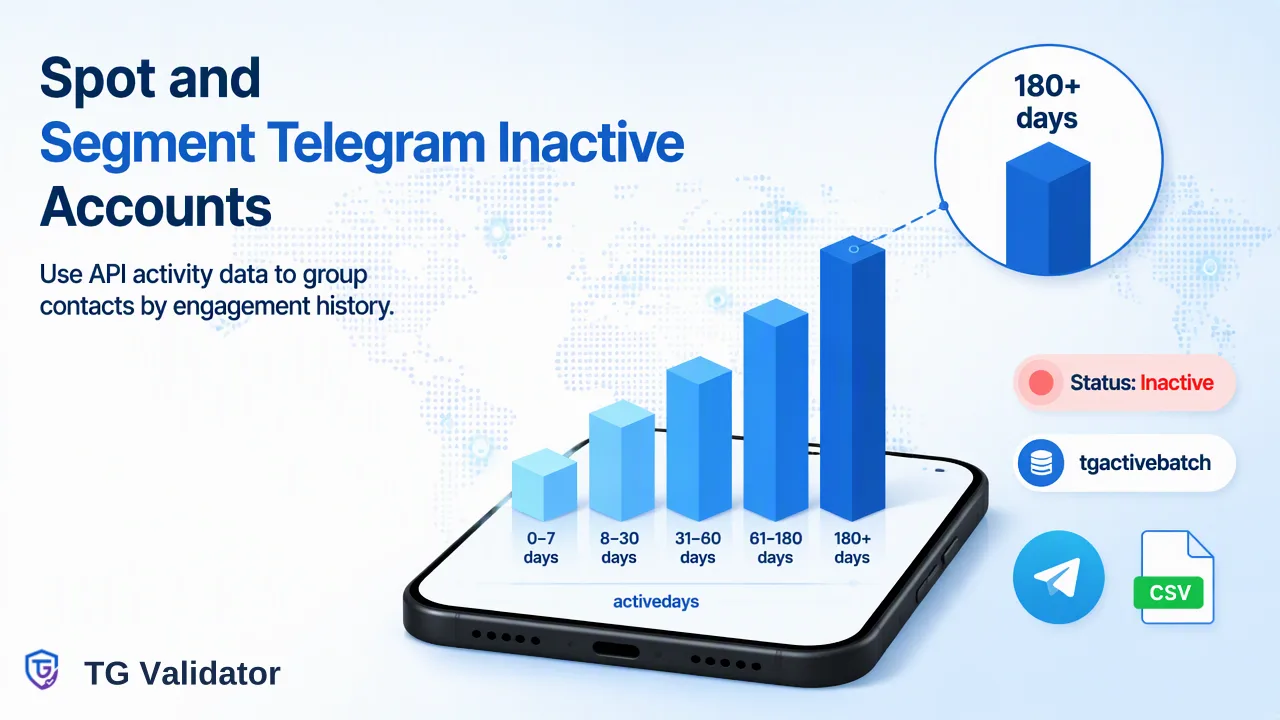
A practical workflow for finding Telegram inactive accounts in a contact list using registration results and approximate days-since-last-activity data, with thresholds each team sets for itself.
To find Telegram inactive accounts in a contact list, first separate numbers that have no Telegram account at all from numbers that do, then look at how long each registered account has been quiet. TG Validator's bulk activity service (tg_active_batch) returns registration plus activedays, an approximate count of days since last activity, so a team can sort contacts into its own activity bands. Those bands support cleanup or re-engagement planning; they are approximate history, not live online status, and the cut-off points are the team's own choice.
What "Inactive" Means in a Telegram Contact List
Most search results for this question explain how an individual user can read the "last seen" label in the Telegram app. Teams working with a CRM export or a lead list have a different problem: hundreds or thousands of phone numbers, no way to open each profile, and a need to decide what to do with each record.
For list work, "inactive" usually covers three different situations that call for different handling:
| Situation | What the data shows | Typical handling |
|---|---|---|
| No Telegram account on the number | Registration result is negative at check time | Do not plan Telegram outreach for this record; keep other channels if consent covers them |
| Account exists but has been quiet for a long time | Registration is positive and activedays is high | Lower priority, re-engagement test, or periodic re-check |
| Account exists and was active recently | Registration is positive and activedays is low | Normal Telegram workflow, subject to the team's consent rules |
A fourth case matters over time. According to the Telegram FAQ, an account that does not come online for a set period is deleted automatically; users can change that period in their settings, and the FAQ gives 18 months as the default. A number that was registered a year ago can therefore return a negative result on a later check. Treating every result as dated, rather than permanent, keeps the list honest.
Why the Telegram App Alone Does Not Scale for Activity Review
Inside the app, a contact's activity appears as a last-seen label, and Telegram lets users hide the exact time. The Telegram FAQ describes the approximate labels shown instead: "recently" covers anything from a moment ago to two or three days, "within a week" and "within a month" cover longer gaps, and "a long time ago" means more than a month. Users choose who sees this information in their Privacy and Security settings.
That design has two consequences for list owners:
- Manual review is slow. Adding numbers to a phone's address book just to read labels does not work for a list of any real size, and it mixes business data into a personal device.
- The data is approximate by design. Even a perfect manual review only yields broad ranges for many contacts.
TG Validator documents the same limitation for its own activity data: activedays is days since last activity and may be approximate when Telegram hides the exact last-seen time. Any segmentation plan should be built around ranges rather than single-day precision.
Which TG Validator Services Return Activity Data
TG Validator offers one same-response check and five asynchronous bulk services. Only some of them include activity information, so the choice of service decides whether an inactivity review is possible at all.
| Service | Input | Returns | Use for inactivity review |
|---|---|---|---|
| tg (single-number and small-batch check) | E.164 phone numbers | Telegram registration status only | First filter; no activity data |
| tg_batch | Phone-number file | Registration | Removes numbers without an account |
| tg_active_batch | Phone-number file | Registration, username, activedays and a numeric Telegram user identifier | Main service for phone-based activity bands |
| tg_profile_batch | Phone-number file | The activity fields plus avatar URL and avatar-based estimates | Only if the team also has a documented use for profile estimates |
| tg_username_profile_batch | Username file | Username account existence plus activedays and avatar URL | Activity bands for username-based lists |
For a few numbers, the dashboard Single Check or the realtime Batch Check tab (up to 500 pasted numbers) shows registration in the same session, which is useful for spot checks. Activity bands for a full list come from a bulk activity task, which is an upload-wait-download workflow rather than a same-response check. Where a column such as activedays is empty, treat the record as "activity unknown" rather than as inactive.
Step-by-Step: Finding Inactive Telegram Accounts in a Contact List
- Export only what the task needs. Pull the phone numbers (or usernames) plus your own CRM key so the results can be joined back. Leave names, emails and notes out of the upload file.
- Normalize phone numbers to E.164. Each line should carry a plus sign, country code and national number without spaces or trunk prefixes, for example a UK mobile written as +447700900123.
- Split by country. Phone-number bulk tasks require one selected country, and the file should consist essentially of numbers from that country; a file with a large share of other country codes is rejected. Username files need no country and accept usernames with or without @.
- Create the task. In the dashboard Bulk Check area, or through POST /api/v1/bulk-tasks, upload a TXT or CSV file with one entry per line and select tg_active_batch (phones) or tg_username_profile_batch (usernames). Per-product file limits apply; the current API documentation lists them.
- Wait and poll sparingly. Check the task status with GET /api/v1/bulk-tasks/{id} no more often than once every 30 seconds until it reports success or failed. There is no per-number progress.
- Download result.csv. The file has identifier and activated columns plus the extra columns for the selected service; some extra values may be empty.
- Join and band. Match each row back to the CRM record by the identifier, then apply the team's activity bands described below.
- Record the check date. Store when the activity data was produced so later decisions are not made on stale numbers.
Setting Your Own Activity Thresholds
TG Validator does not define what counts as inactive. The threshold is a business decision that depends on the list's purpose, the sales cycle and the team's consent rules. The bands below are an example structure for internal discussion, not a product recommendation:
| Example band | activedays range (team's choice) | Possible handling |
|---|---|---|
| Recent | 0-30 | Keep in the standard Telegram workflow |
| Cooling | 31-90 | Lighter cadence or a re-engagement message where consent exists |
| Dormant | 91-365 | Exclude from routine sends; review at the next refresh |
| Long dormant | Above 365 | Candidate for archiving the Telegram channel on the record |
| Unknown | Empty value | Hold for a later check; do not treat as dormant |
A few guidelines help bands stay useful:
- Use wide ranges. Because activedays can be approximate, a boundary at 30 versus 31 days carries little meaning. Wide bands absorb that uncertainty.
- Compare against your own engagement data. If replies in your CRM cluster in one band, adjust the cut-offs from that evidence rather than from a generic rule.
- Keep the registration result separate. A record with no Telegram account is not "very inactive"; it belongs in a different branch of the workflow.
- Decide per list. A community re-activation list and a sales prospect list may justify different bands.
Common Mistakes When Cleaning Inactive Telegram Contacts
- Reading activity as live presence. activedays describes approximate history at check time. It does not say whether someone is online now or will read a message.
- Treating a positive registration result as engagement. The single-number check returns Telegram registration status only. It is an account-presence signal, so activity questions need the bulk activity data.
- Deleting records outright. A dormant Telegram account says nothing about email or phone reachability. Archiving the Telegram channel on a record is usually safer than deleting the contact.
- Mixing countries in one phone file. Split the export by country before upload so the task is not rejected.
- Polling too often. Polling more than once every 30 seconds adds load without speeding up results.
- Ignoring consent. Presence on Telegram is not permission to contact someone; outreach still depends on the consent the team holds for that channel.
- Keeping activity data forever. Activity values age quickly. Store the check date and refresh or discard old values on a schedule.
Re-Check Cadence and Data Handling
Activity data loses value as it ages, and accounts can be deleted after long inactivity, so a one-time review drifts out of date. A common pattern is to re-run the bulk activity task before each major campaign or on a fixed quarterly cycle, and to re-check only the records that will actually be contacted.
Data protection rules also shape how long the results should live. Under Article 5 of the GDPR, personal data should be limited to what is necessary for the purpose and kept accurate and up to date. In practice, that means storing the band and the check date rather than every raw column, dropping avatar or profile estimates if the workflow does not use them, and documenting why the activity field exists. Results from tg_profile_batch include avatar-based age, gender and skin-colour values that are estimates rather than verified identity, which is another reason to choose tg_active_batch when activity is the only goal.
For teams evaluating the service first, registered users can contact support to receive 100 free checks, and current plan details are on the pricing page.
FAQ
How can teams tell whether a Telegram contact is inactive without opening each profile?
Upload the list as a bulk activity task (tg_active_batch for phone numbers or tg_username_profile_batch for usernames) and read the activedays column in result.csv. It gives approximate days since last activity for each matched account, which can then be grouped into the team's own bands.
What threshold should count as an inactive Telegram account?
There is no product-defined threshold. Teams usually start with wide bands such as 0-30, 31-90, 91-365 and above 365 days, then adjust the boundaries based on where replies and conversions actually occur in their own CRM data.
Why is the activedays value sometimes empty or approximate?
TG Validator documents that activedays may be approximate when Telegram hides the exact last-seen time, and extra columns may be empty depending on the service. An empty value should be stored as "activity unknown" and reviewed later rather than treated as dormant.
Does the single-number Telegram check show activity?
No. The same-response check through the dashboard or POST /api/v1/check returns Telegram registration status only. Activity data comes from the bulk activity and profile services, which run as asynchronous file tasks.
How often should a contact list be re-checked for Telegram activity?
Before each major campaign or on a regular cycle such as quarterly works for many teams. Re-checking only the records that will be contacted keeps volume down, and storing the check date makes it clear when a band is too old to rely on.
Learn More
Choose the product information that fits the next step in your workflow.