
Telegram Profile Checker for Phone Lists: What Bulk Profile Results Contain
What a Telegram profile checker returns for a phone list: registration, avatar links and avatar-based estimates, and how to use them carefully in a CRM.
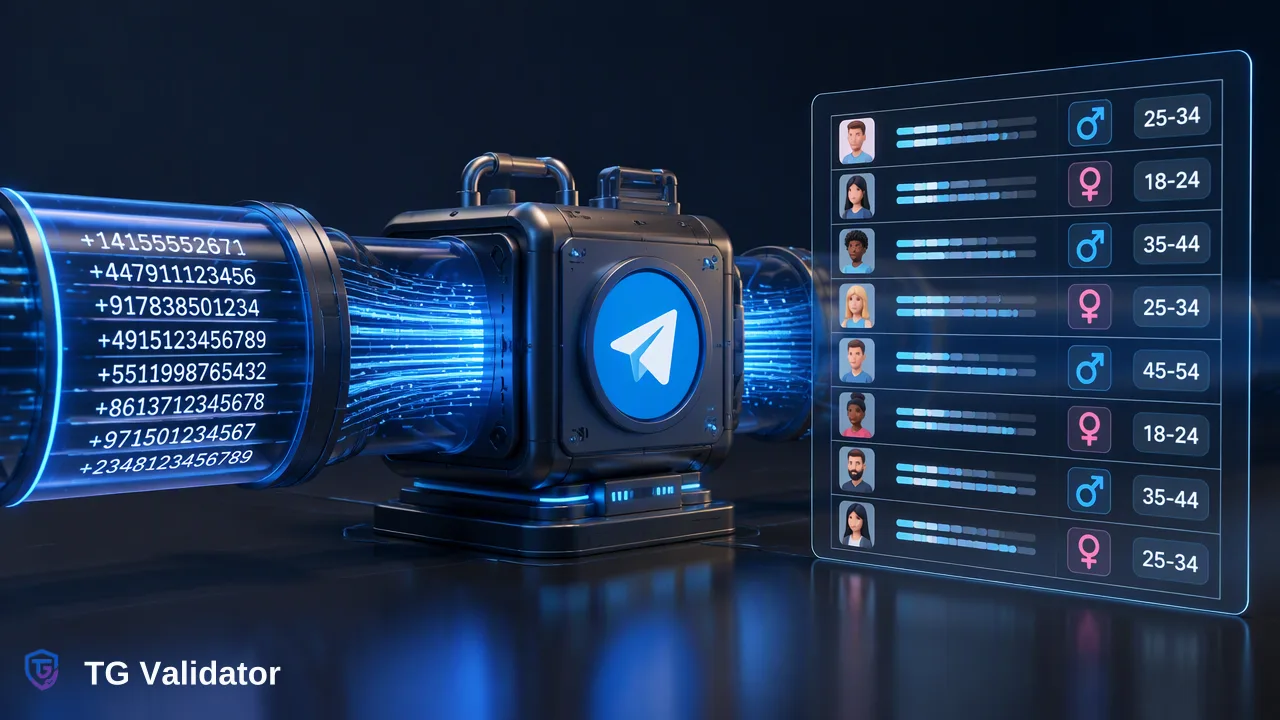
How a bulk Telegram profile check differs from profile viewer tools, what each result column means, and how to use avatar-based estimates responsibly.
A Telegram profile checker for phone lists takes a file of numbers and returns, for each one, whether it is registered on Telegram plus profile details tied to the avatar. With TG Validator's bulk profile service, those details are an avatar link and avatar-based estimates of age, gender and skin colour. The estimates are model guesses from a picture, so they suit aggregate segmentation and review, not decisions about an individual.
Two kinds of Telegram profile checker
Search results for "telegram profile checker" mix two very different tools:
- Profile viewers for public usernames. Scraper tools and bots take a t.me link or a username and return what is publicly shown for that account or channel, such as display name, bio and picture. They start from a handle someone has chosen to make public.
- List enrichment from phone numbers. A business already holds phone numbers in a CRM and wants to know which ones are on Telegram and what broad profile attributes might help segment the list.
Telegram's FAQ explains that users control who can see their phone number and that public usernames make an account findable in search. That distinction matters: a username viewer works with public handles, while a phone-list checker works with numbers your organization already holds and is responsible for. This guide covers the second kind.
What the Telegram bulk profile check returns
TG Validator runs profile checks as an asynchronous bulk task called tg_profile_batch. You upload a file, the task processes it, and you download one result.csv. For each phone number the result covers:
| Column content | What it means | How to treat it |
|---|---|---|
| Identifier | The phone number you submitted | Join key back to your CRM record |
| Registration (activated column) | Whether the number had a Telegram account at check time | An account-presence signal for that date |
| Avatar URL | A link to the account's profile picture, where one is available | May be empty; store the link only if you have a use for it |
| Estimated age | A model estimate from the avatar | Approximate; not a date of birth |
| Estimated gender | A model estimate from the avatar | A guess from an image, not a self-declared attribute |
| Estimated skin colour | A model estimate from the avatar | Sensitive; see the governance notes below |
Extra columns beyond the identifier and activated columns may be empty for some rows, for example when no avatar estimate is available. Plan your import so an empty cell stays empty rather than becoming a default value.
Choosing between bulk Telegram services
The profile service is one of five bulk services. Picking the narrowest one that answers your question keeps the data you hold to a minimum:
| Service | Input | Adds |
|---|---|---|
tg_batch |
Phone numbers | Registration only |
tg_active_batch |
Phone numbers | Registration, uid, username and approximate days since last activity |
tg_profile_batch |
Phone numbers | Registration, avatar URL and avatar-based estimates of age, gender and skin colour |
tg_username_batch |
Usernames | Whether each username belongs to an existing account |
tg_username_profile_batch |
Usernames | Existence plus uid, approximate days since last activity and avatar URL |
If the team only needs to route records by Telegram presence, the plain registration service is enough. Choose the profile service when avatar-level segmentation answers a real business question.
How to run a profile check on a phone list
- Export the numbers. One phone number per line in a TXT or CSV file. Keep your CRM record key in your own copy so you can join results back later.
- Normalize to international format. Each number needs its country code; strip spaces, brackets and trunk prefixes.
- Keep the file to one country. Phone-number bulk tasks require you to select one country. If 10% or more of the file uses other country codes, the file is rejected, so split mixed lists by country first. Bulk phone tasks do not support mainland China, Hong Kong or Macau numbers.
- Submit the task in the dashboard Bulk Check or through
POST /api/v1/bulk-tasks. Balance is reserved when you submit. - Wait for completion. The task reports processing, success or failed; there is no per-number progress, and API clients should poll no more often than once every 30 seconds.
- Download result.csv. On completion you are charged for entries that returned results and the unspent reserve is released. A failed task releases its full reserve.
Per-product file limits apply; check the current API documentation before preparing a very large file.
Using avatar-based estimates responsibly
Avatar estimates are useful at the level of a list and risky at the level of a person. A profile picture may show someone else, a group, a logo or an old photo, so an estimate describes the image rather than the account holder.
Practical guardrails many teams adopt as internal choices:
- Aggregate first. Use estimates to understand the rough mix of a list, for example the share of rows with an avatar or a broad age band, rather than to label individuals.
- Never automate individual decisions on estimates. Pricing, eligibility, credit, hiring or support priority should not depend on a guessed age or gender.
- Question whether you need skin colour at all. Under EU data protection law, data revealing racial or ethnic origin is a special category with extra conditions (GDPR Article 9). Many teams simply drop that column on import.
- Keep provenance. Label imported fields as "estimated from avatar" with the check date, so later users of the CRM do not mistake them for customer-supplied data.
Registration and avatar data still say nothing about consent to be contacted; that comes from your own records.
Importing profile results into a CRM
A clean import keeps the profile check auditable:
- Join result rows to CRM records on the normalized phone number you submitted.
- Write registration to a dedicated Telegram field, with the check date in a separate field.
- Store estimates in clearly named fields such as "Telegram avatar age estimate", or keep them only in an analysis table outside the CRM.
- Leave empty cells empty.
- Schedule a refresh for older records instead of treating last quarter's result as current.
Teams that only need the presence flag on new signups can use the same-response check for single numbers and reserve the profile service for periodic list reviews.
FAQ
How can teams get Telegram profile data for a phone list?
Teams can upload a TXT or CSV file of numbers from one country as a bulk profile task, wait for it to finish, and download result.csv. Each row covers registration, an avatar link where available and avatar-based estimates of age, gender and skin colour.
How accurate are avatar-based age and gender estimates?
They are estimates from a profile picture, and no accuracy figure is published. Teams should use them for broad segmentation and review, keep them labeled as estimates, and avoid basing decisions about individuals on them.
Why are some profile columns empty in result.csv?
Columns beyond the identifier and activated columns depend on the service type and may be empty for some rows. Import them as empty values rather than filling in defaults.
How can teams check usernames instead of phone numbers?
Use the username bulk services. They accept usernames with or without @, need no country selection, and report whether each username belongs to an existing account, with the profile variant adding uid, approximate activity days and avatar URL.
Learn More
Choose the product information that fits the next step in your workflow.