
Using the TG Validator MCP Integration with AI Clients
Connect an MCP-compatible AI client to TG Validator realtime checks with Bearer authentication, shared balance and the same account limits.
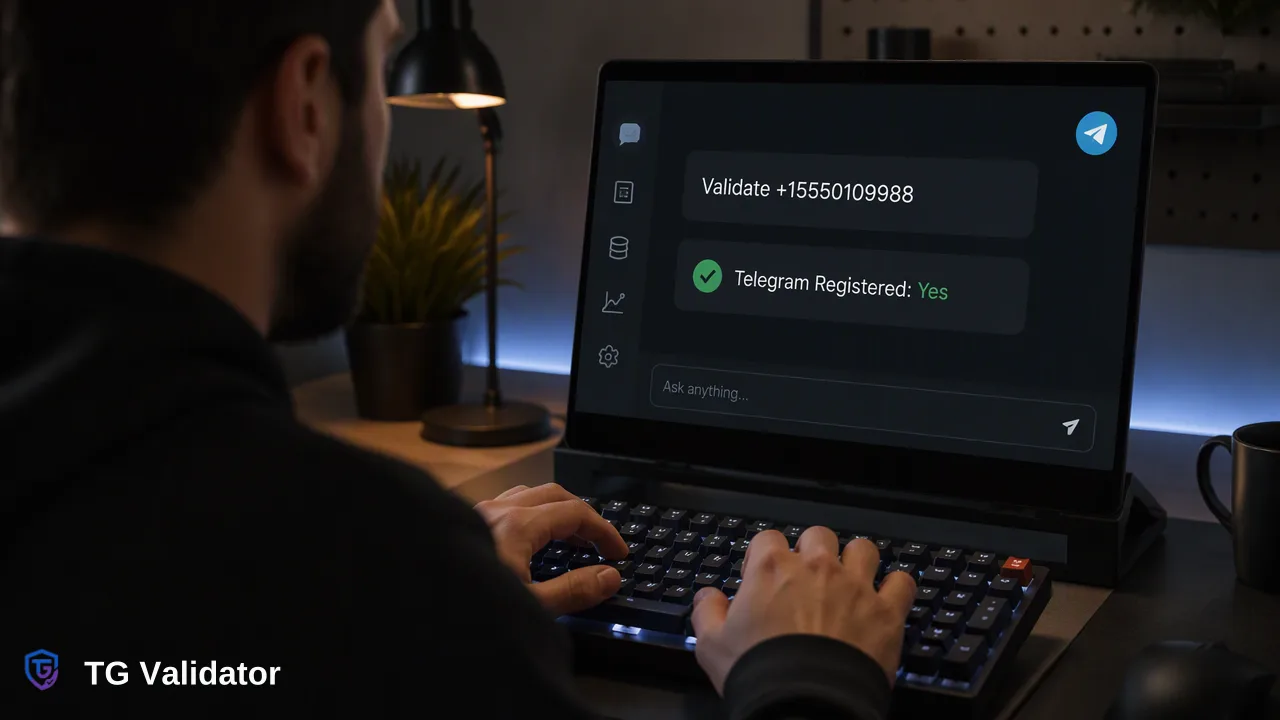
How teams can connect AI clients to the TG Validator MCP endpoint for realtime Telegram registration checks.
The TG Validator MCP integration lets an MCP-compatible AI client call realtime checking and balance tools at https://tgvalidator.com/mcp. It authenticates with an Authorization Bearer header using your existing API key, and it draws on the same account, balance and limits as the REST API and dashboard. It covers realtime tools only, so asynchronous bulk tasks stay in the dashboard or REST API.
What the telegram MCP integration provides
MCP, the Model Context Protocol, is an open standard for connecting AI applications to external tools and data sources (Model Context Protocol introduction). A server publishes tools, and the AI client decides when to call them on the user's behalf.
TG Validator's official MCP endpoint is https://tgvalidator.com/mcp, with documentation at the MCP docs page. The integration exposes realtime checking and balance tools. It is an integration surface for the existing account, not a seventh service type and not a separate product. The same Telegram registration signal described for the realtime tg service is what comes back: whether a submitted E.164 number is registered on Telegram at check time.
Authentication: Bearer for MCP, X-API-Key for REST
The two entry points use different headers, and mixing them up is the most common setup error.
| Entry point | Header | Credential |
|---|---|---|
| REST API | X-API-Key | Your sk_ prefixed API key |
| MCP endpoint | Authorization: Bearer | The same API key |
The credential is identical; only the header changes. Create or view the key in the dashboard, store it in your AI client's secret or environment configuration, and never paste a real key into a prompt, a shared config file or a repository. If a key may have been exposed, rotate it in the dashboard and update each client that uses it.
Most MCP clients that support remote servers let you add a URL and a custom header, so the setup is usually a short configuration entry rather than code. Check your client's own documentation for the exact syntax, since each client names these options differently.
Same account, same balance, same limits
Calls made through MCP are not a parallel account. They use the balance and billing of the account that owns the key, and they follow the same concurrency and timeout behavior as the REST API. The public API documentation describes per-user concurrency and timeout controls and does not publish a per-minute request-rate limit, so refer to the current API documentation for the details instead of assuming a number.
Three practical consequences follow:
- Every completed check that reaches a decision is charged at the applicable service rate whether the number is registered or not, so an agent that loops over many numbers spends balance each time.
- Checks made by an AI client and by your own code share the same capacity, so a busy integration can affect an interactive session.
- Balance questions can be answered from the same session through the balance tool, which helps a team confirm funds before a larger run.
For current plan and balance rules, see the pricing page.
Good uses and sensible limits for agent workflows
MCP fits small, conversational tasks: an analyst pastes a handful of numbers, asks the assistant to check them, and reviews the answers in the same thread. A support engineer can verify a single contact while triaging a ticket. A developer can test result handling before writing integration code.
Keep volume and scope realistic:
- Use the dashboard or REST API for larger lists. MCP does not run asynchronous bulk tasks, which are separate file uploads with their own limits.
- Ask the assistant to report results as returned, including numbers where no decision could be made, rather than filling gaps with guesses.
- Treat a registration result as one signal.
- Decide in advance which actions an agent may take automatically. Routing a record to a review queue is a reasonable example; sending messages is outside what this integration does.
A short review habit helps: log which numbers were checked, by which client and for what purpose, so spend and results can be audited later from the account's check history.
Setup checklist
- Confirm the account has balance and an active API key in the dashboard.
- Add https://tgvalidator.com/mcp as a remote server in your MCP-compatible client.
- Configure the Authorization header as Bearer followed by the key, using the client's secret storage.
- List the available tools and run one realtime check on a number you control.
- Verify the spend in the dashboard's check history.
- Document which team members may use the key and how it is rotated.
FAQ
Does the MCP integration use a different account from the API?
No. It uses the existing account, API key, balance, billing and limits, so usage appears alongside other checks.
Which header should teams use for MCP?
Authorization with a Bearer value. The REST API uses X-API-Key with the same sk_ prefixed key.
Can teams run bulk file tasks through MCP?
No. MCP covers realtime checking and balance tools. Bulk tasks run through the dashboard or the bulk tasks API.
How can teams handle rate and concurrency questions?
Follow the concurrency and timeout controls in the current API documentation, and design clients to wait or retry gracefully when a check cannot be decided.
Learn More
Choose the product information that fits the next step in your workflow.